



HDMI to MIPI DSI Display Adapter Suit for Double Screen
Resources & Downloads
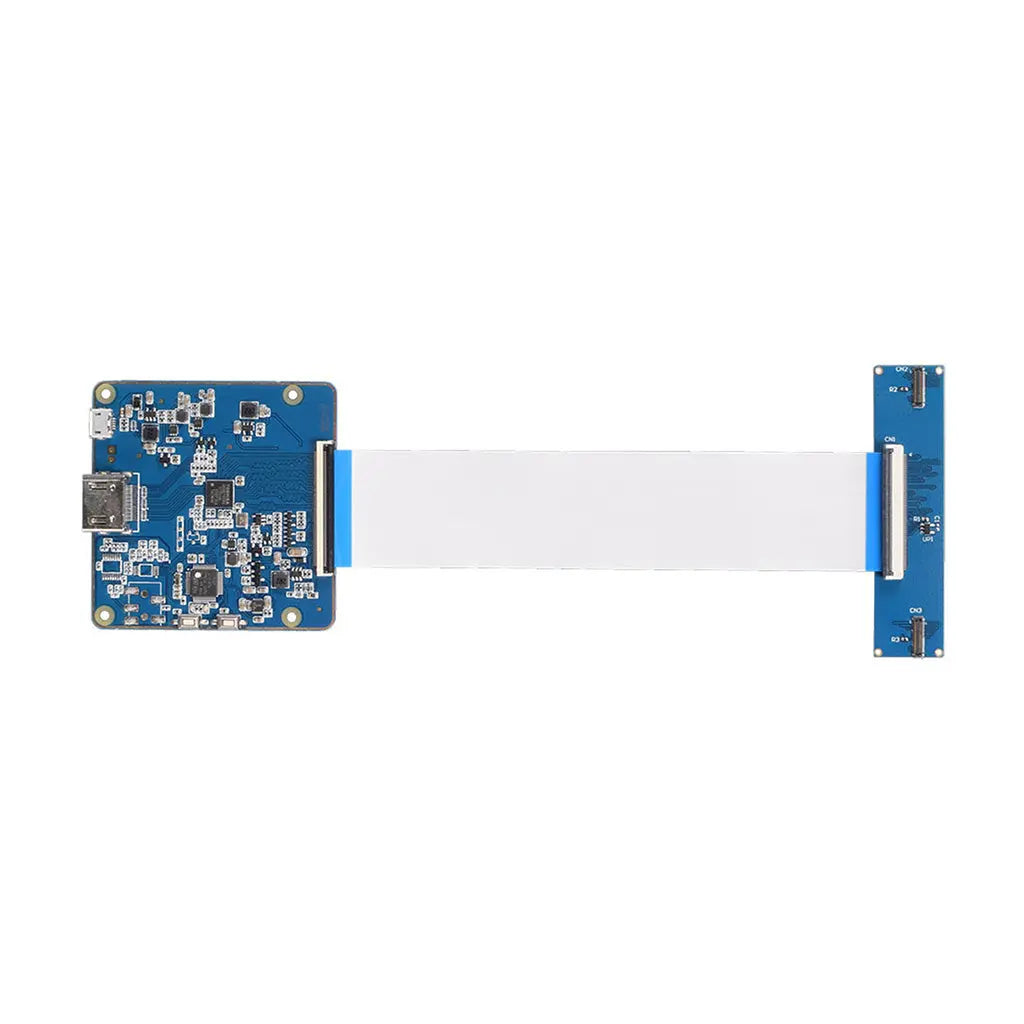
HDMI to Dual MIPI DSI Adapter Board
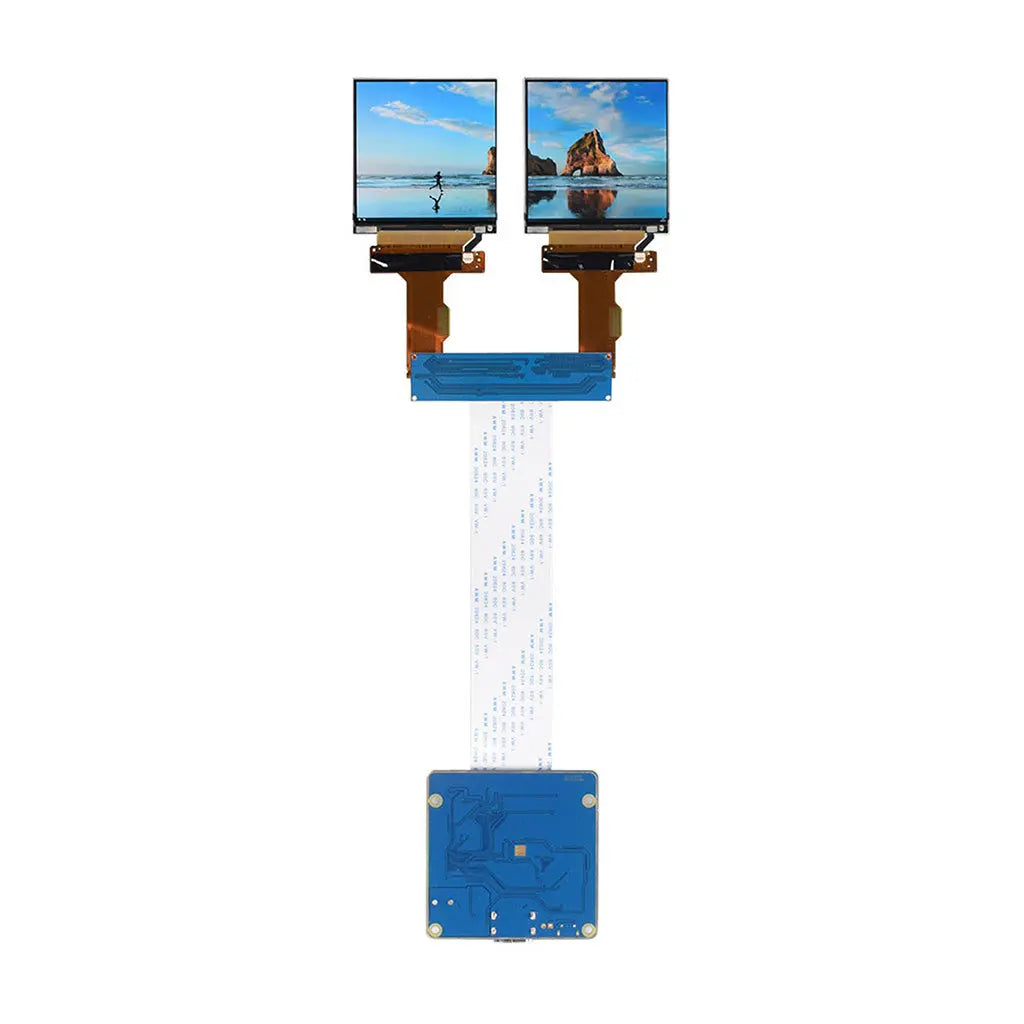
HDMI to MIPI DSI Display Adapter for Dual Screen Applications
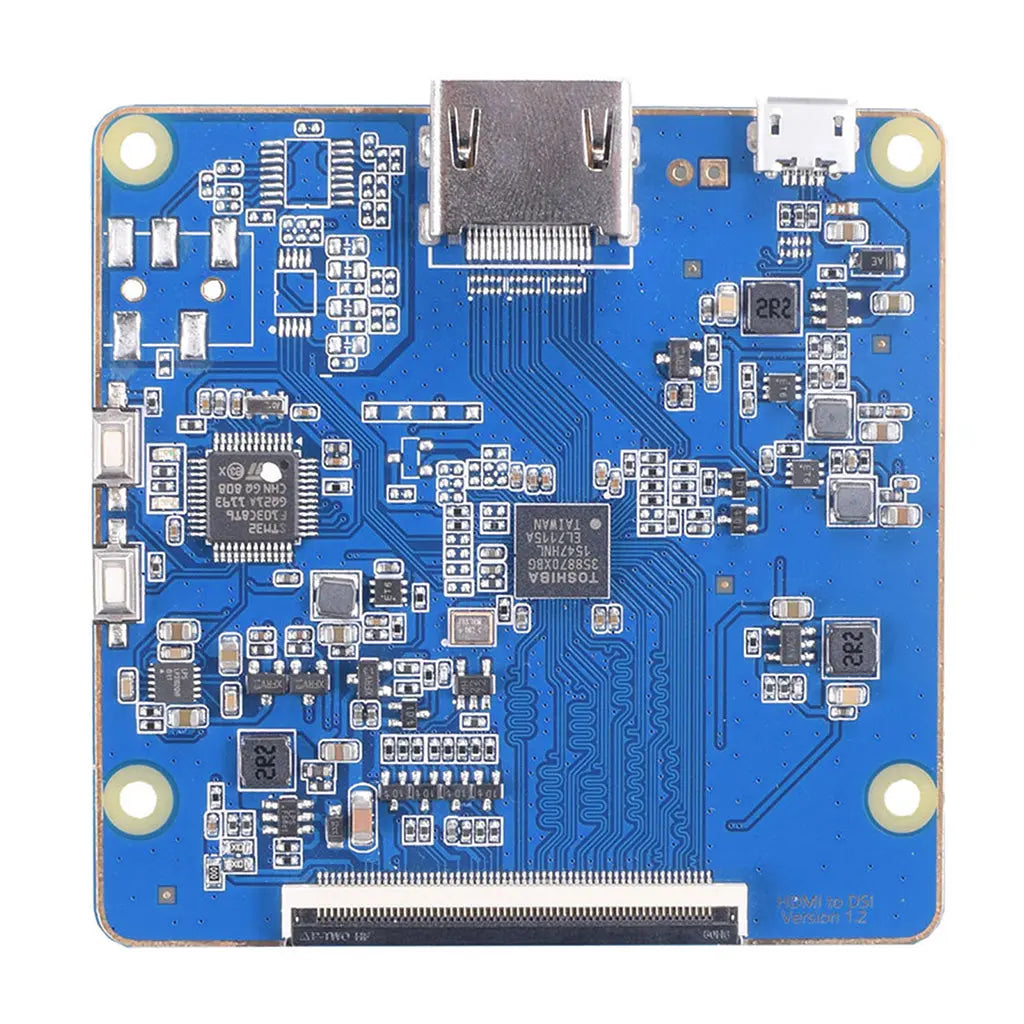
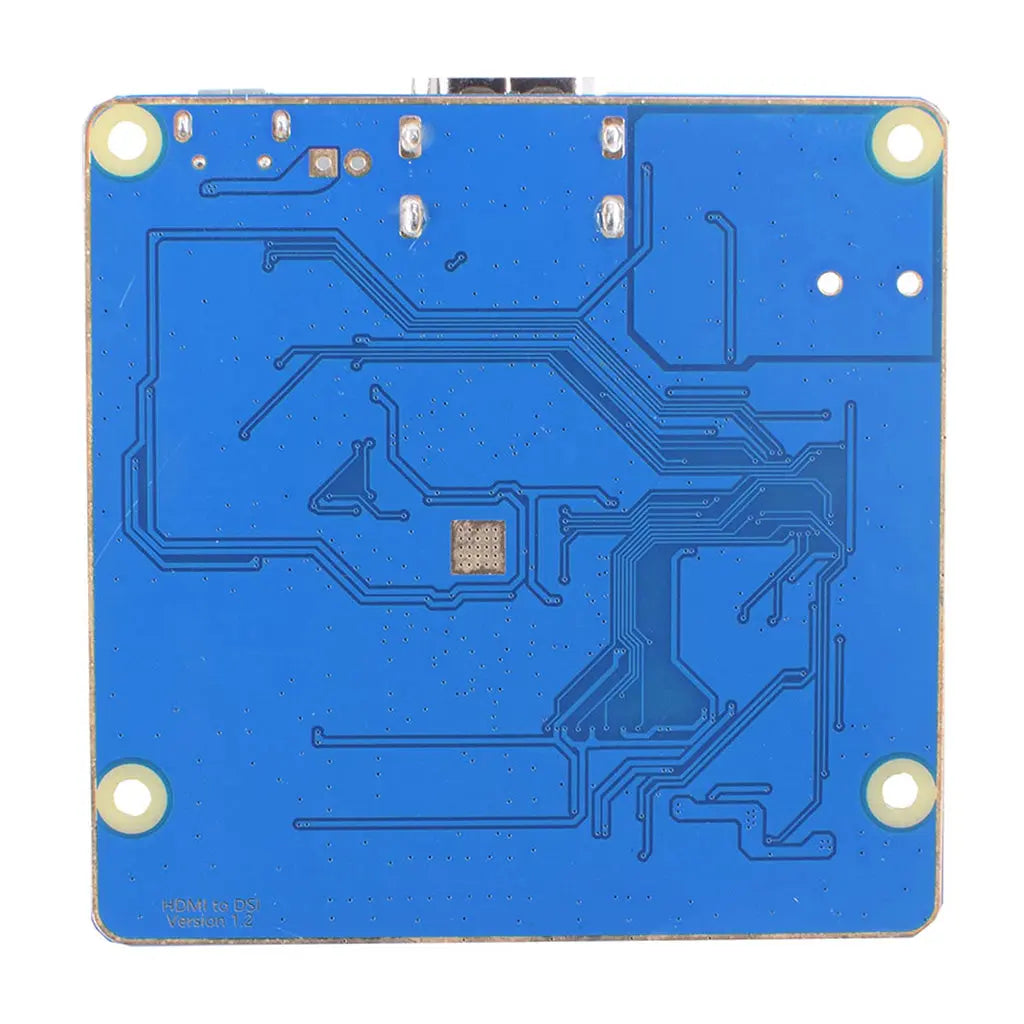
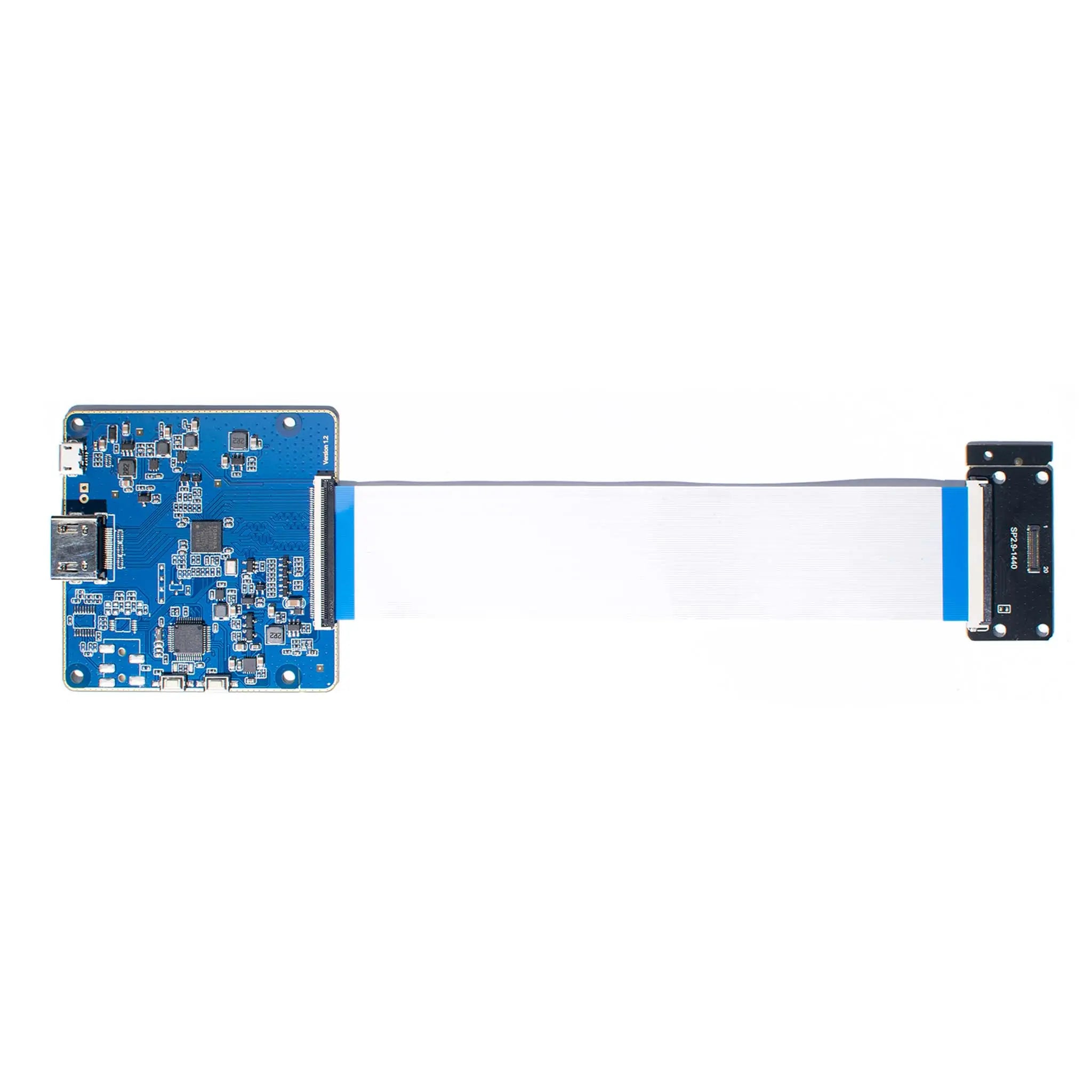
This adapter converts HDMI input to dual-channel 4-lane MIPI DSI output for dual-screen display projects. It is built around the Toshiba TC358870XGB video bridge IC and an STM32F103 control MCU.
The stated maximum display configuration is up to 3840×2160 at 30Hz. Actual output behavior depends on the HDMI source, operating system, display timing, MIPI panel compatibility, and software configuration.
Primary integration use cases include embedded display development, industrial control interfaces, Raspberry Pi display projects, retail display terminals, and OEM/ODM display system prototyping.
3840×2160@30Hz
Stated maximum resolution support
TC358870XGB
Toshiba HDMI to MIPI bridge IC
Dual 4-Lane MIPI
Dual-channel 60-pin MIPI DSI output
4.5–5.5V Input
Micro USB power input, 500mA typical current consumption
Signal Conversion Architecture
HDMI Input
HDMI Type A input interface supporting HDMI 2.0/1.4 source connection according to the original product specification.
Video Bridge and MCU Control
Toshiba TC358870XGB handles video bridge conversion. STM32F103 supports control functions including screen switching and backlight-related control.
Dual MIPI DSI Output
Dual-channel 4-lane MIPI output through a 60-pin MIPI DSI connector for compatible MIPI display modules.
Technical Specifications
Parameter
Specification
Product Type
HDMI to MIPI DSI display adapter board
Input Interface
HDMI Type A 2.0/1.4
Output Interface
Dual-channel 4-lane MIPI DSI
Connector Type
60-pin MIPI DSI, dual channel
Maximum Resolution
Up to 3840×2160 at 30Hz
Video Bridge IC
Toshiba TC358870XGB
Control MCU
STM32F103
Power Input
Micro USB, 4.5–5.5V
Current Consumption
500mA typical
Output Voltage
3.3V ±5%
Board Dimensions
65 × 64mm
Control Features
Screen switch and backlight control
Operating System Support
Windows, Linux, Raspberry Pi OS, macOS with custom configuration
Temperature Note
Wide-temperature operation is stated as -30°C to 85°C. Confirm operating conditions in the official datasheet before final system design.
Display Modes and Host Integration
Extended Desktop Mode
Designed for dual-screen applications where the host system needs separate display areas. Final behavior depends on graphics driver, operating system, and display configuration.
Mirror Display Mode
Suitable for duplicated visual output in kiosks, promotional terminals, device status screens, and compact operator interfaces.
Backlight and Screen Control
Supports screen switching and backlight-related control functions for embedded display projects requiring controlled display output behavior.
Compatibility and Verification Data
Referenced Compatible Displays
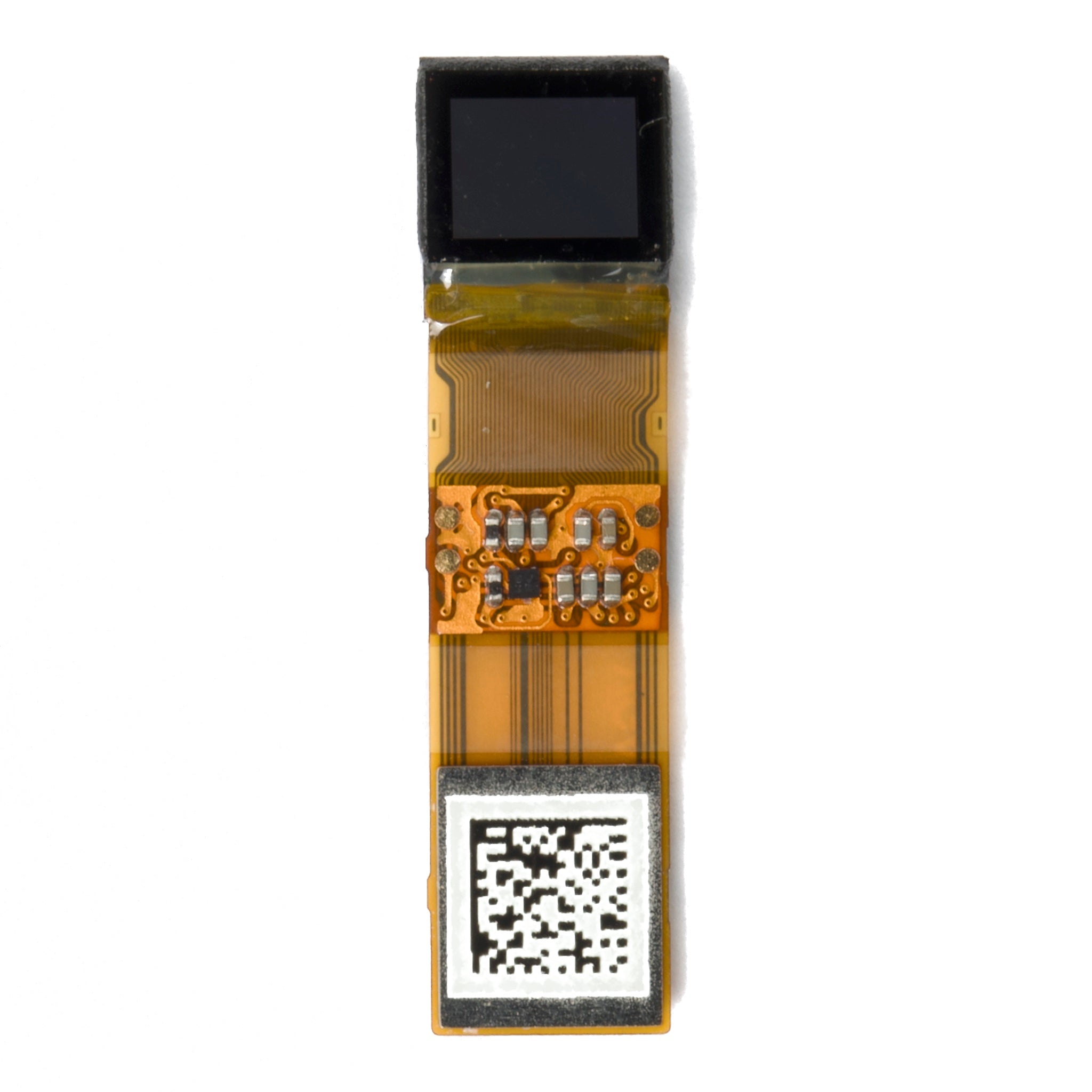
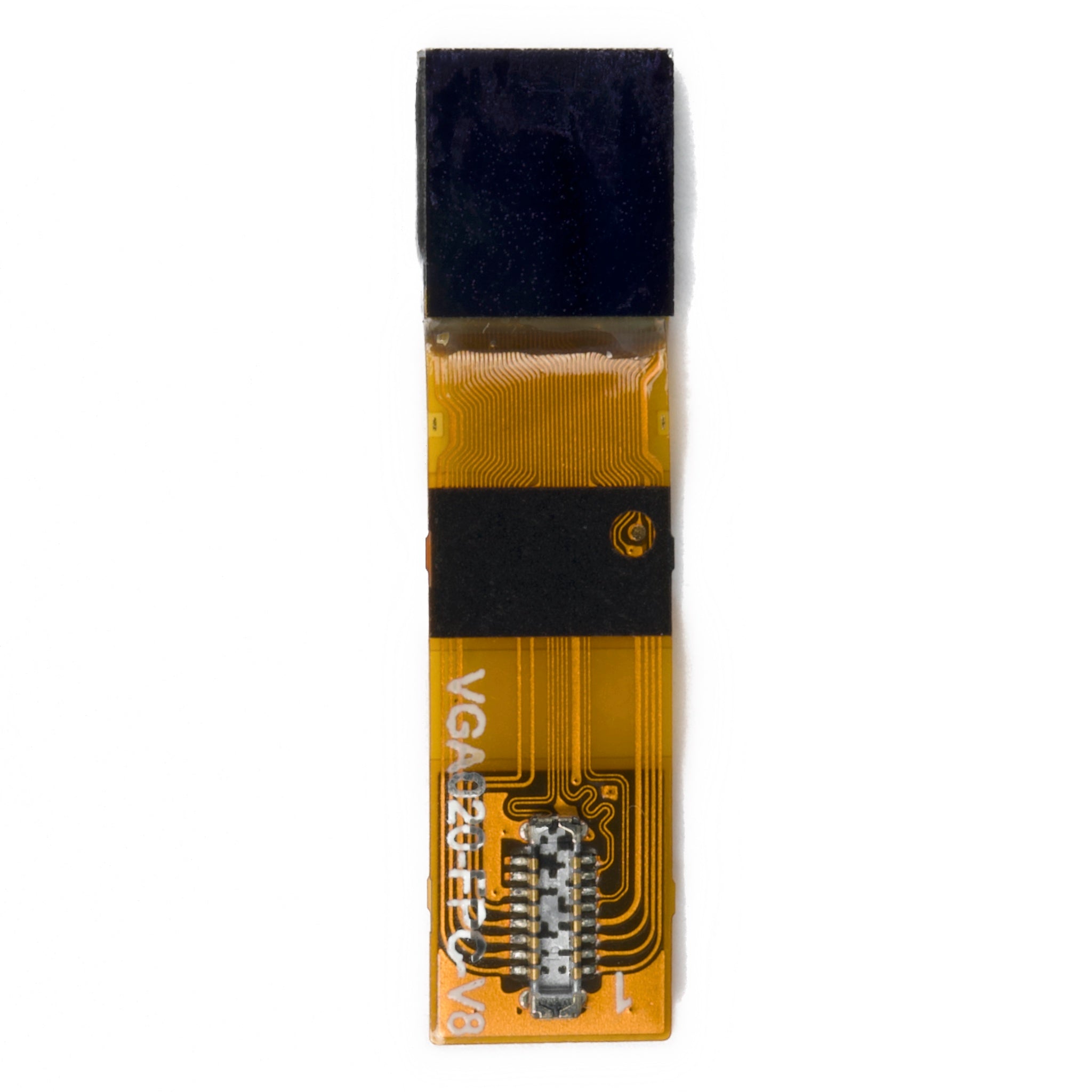
3.4-inch round TFT display, 800×800 resolution, 350nits brightness, MIPI interface.
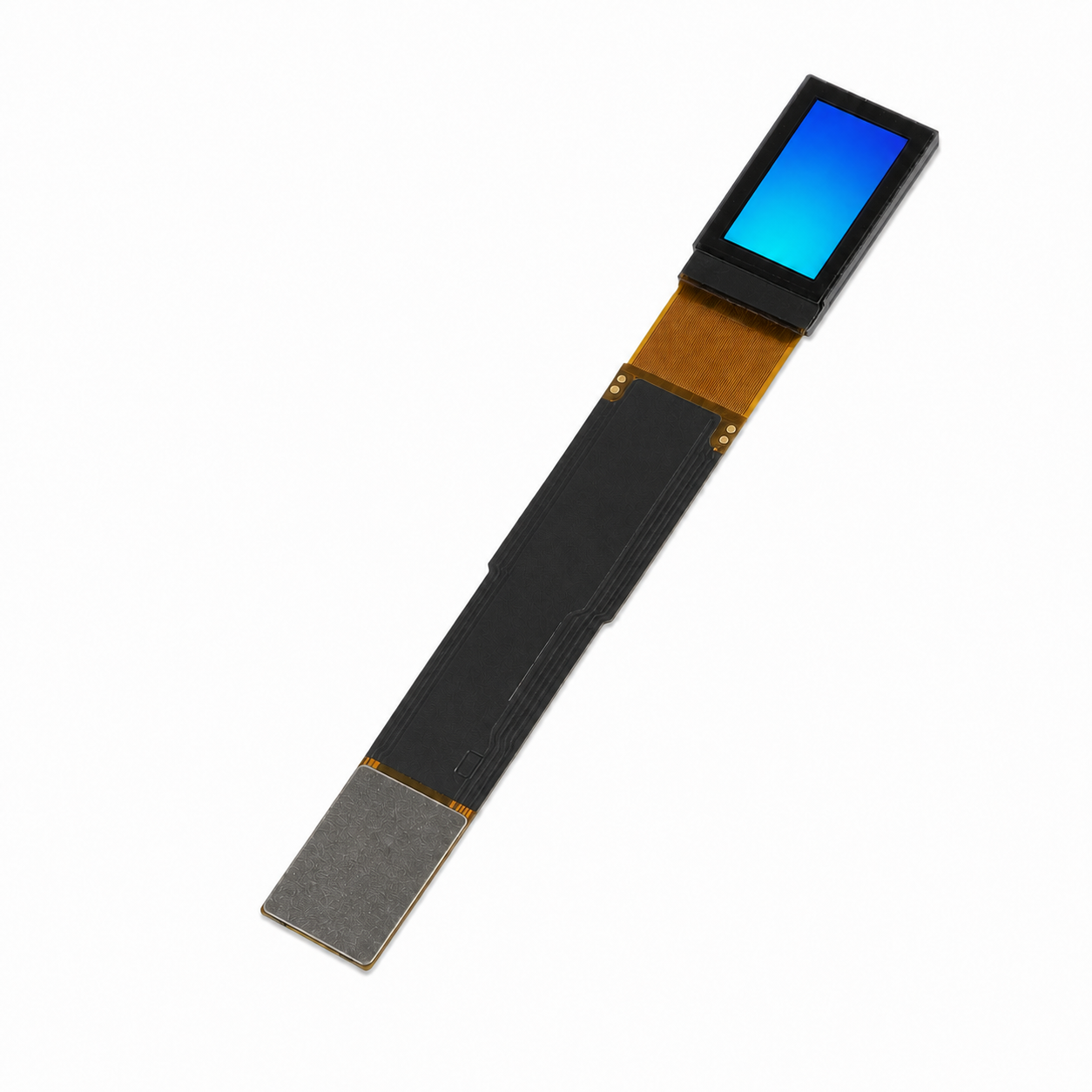
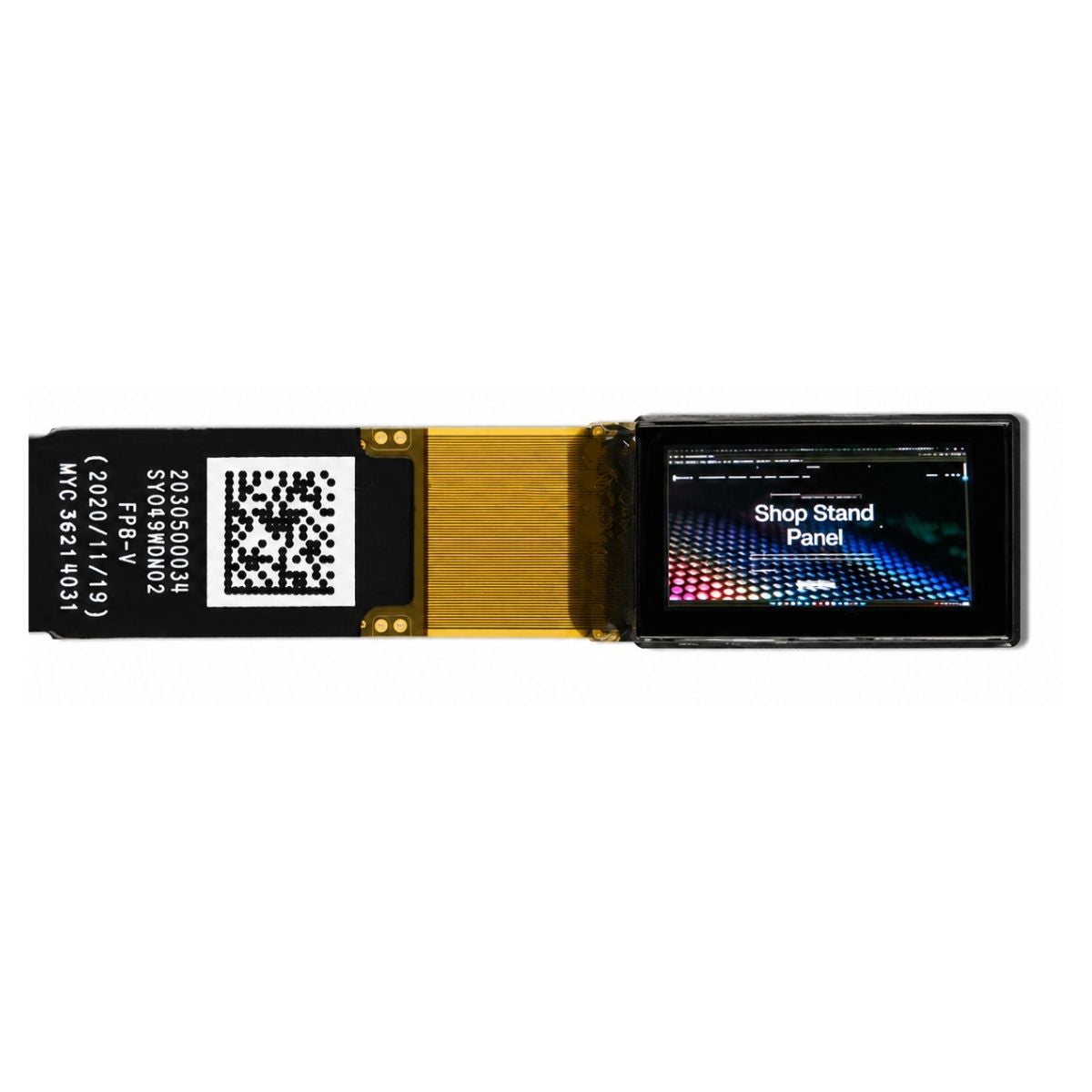
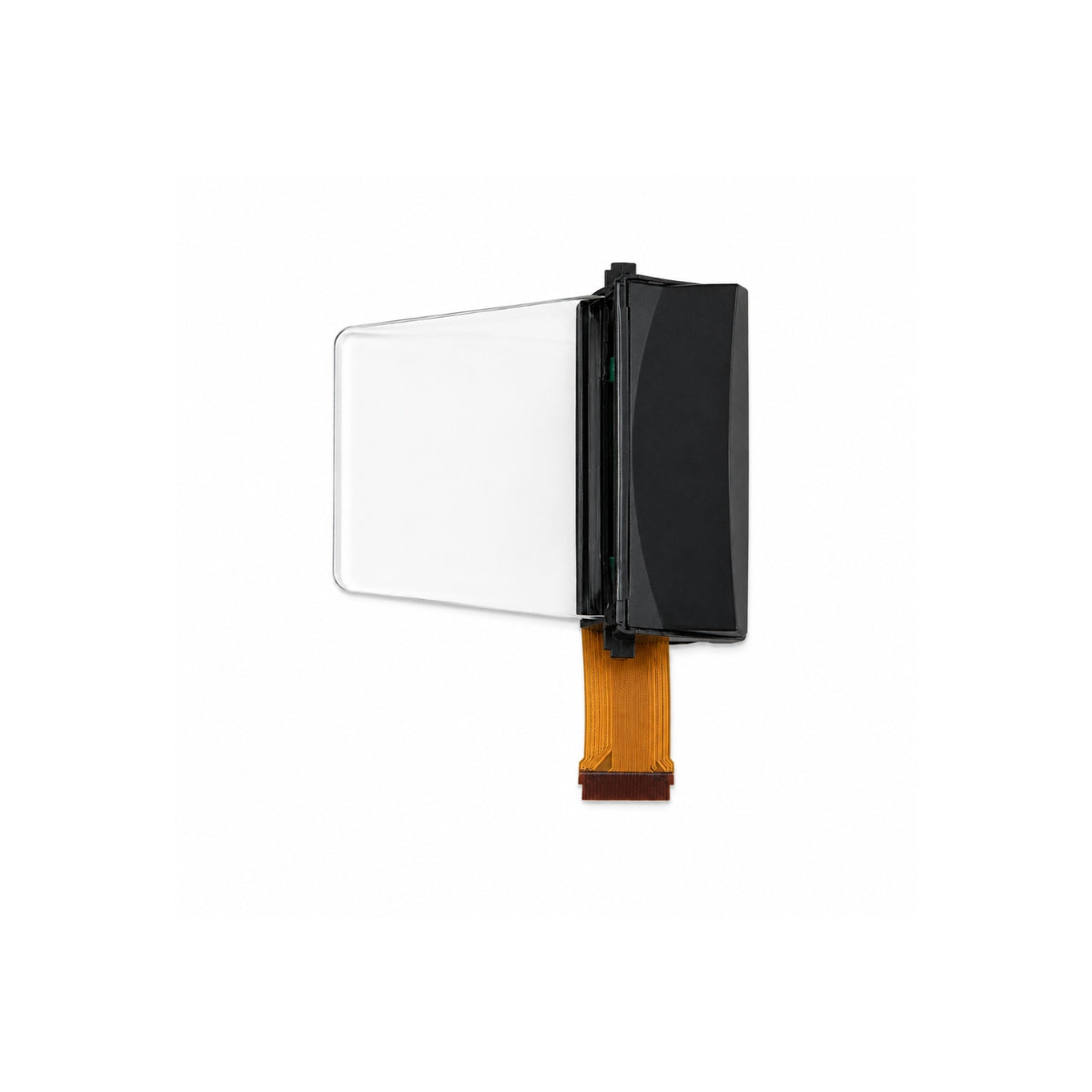
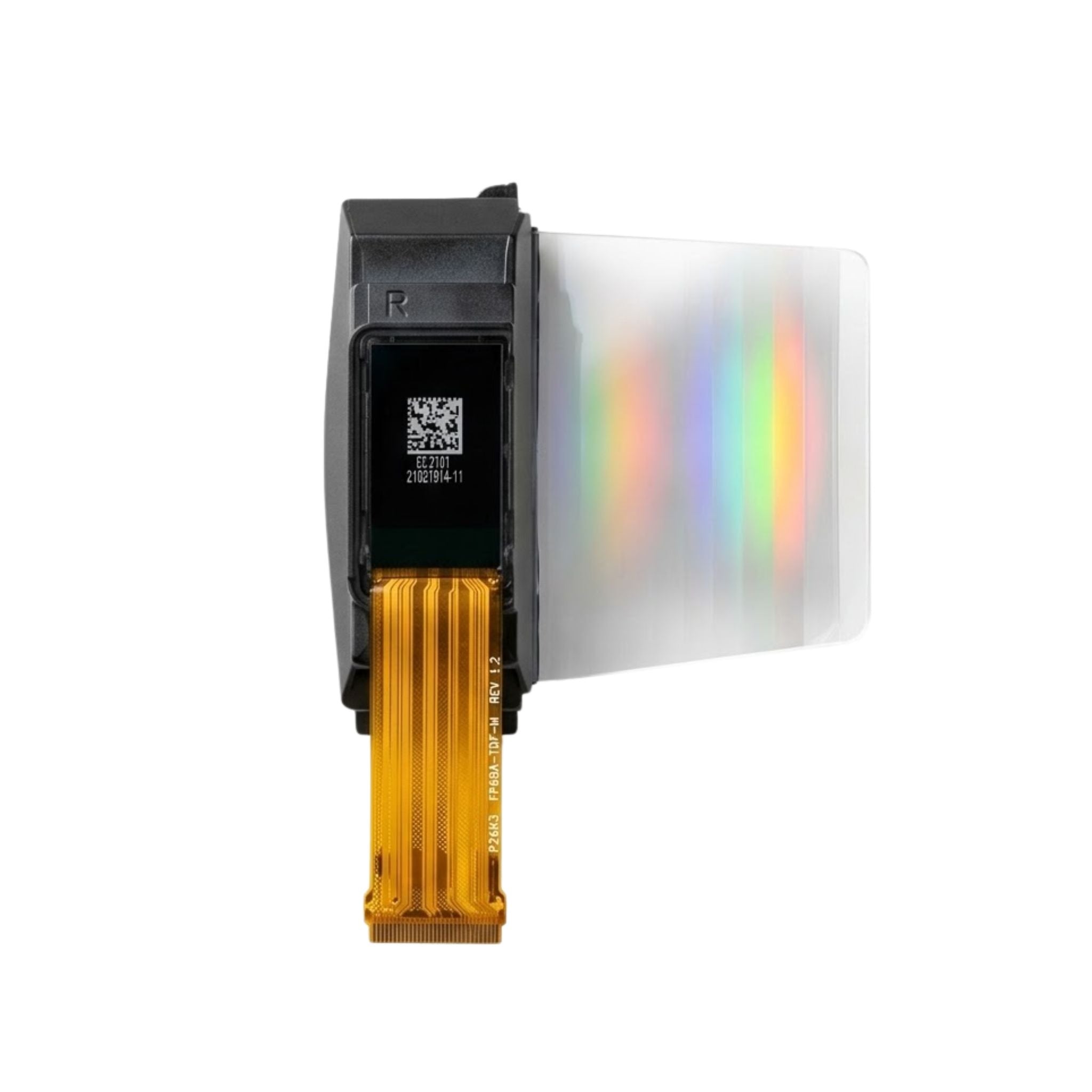
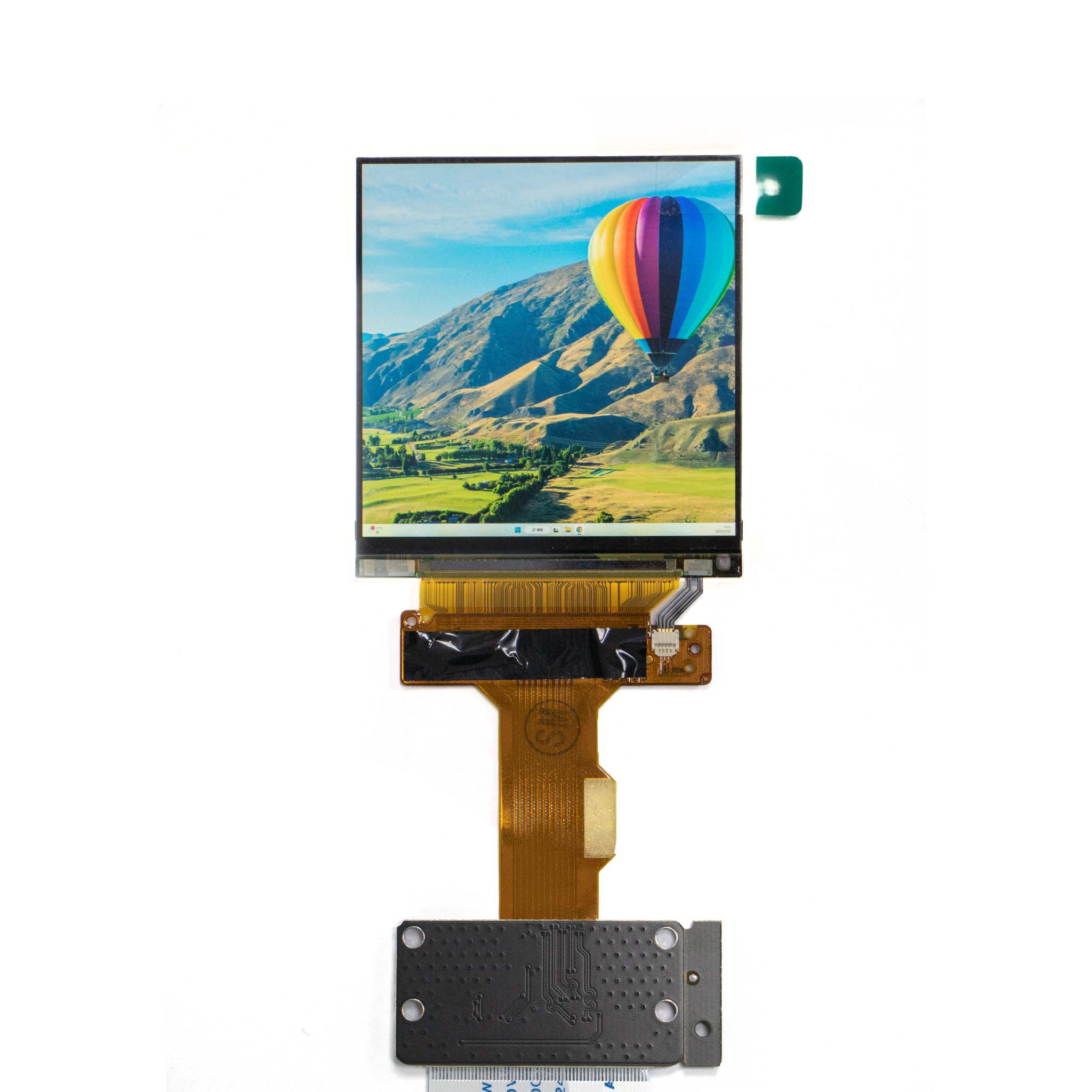
2.89-inch Sharp high-resolution VR display, 1440×1440 resolution, MIPI interface.
Third-Party Display Verification
Third-party MIPI panels should be checked against connector pinout, lane mapping, panel initialization sequence, resolution, timing, voltage rails, and backlight requirements.
For unsupported panels, contact technical support with the panel datasheet before ordering for integration confirmation.
Item to Confirm
Required Check Before Integration
Connector
Confirm 60-pin MIPI DSI connector match, pin assignment, cable orientation, and mechanical clearance.
MIPI Lane Mapping
Confirm dual-channel 4-lane mapping, clock lane, data lane order, and panel-side routing.
Panel Timing
Confirm resolution, refresh rate, blanking parameters, initialization commands, and display mode settings.
Power
Confirm 4.5–5.5V input supply, 500mA typical current budget, 3.3V ±5% output, and host power margin.
System Software
Confirm Windows, Linux, Raspberry Pi OS, or macOS configuration requirements before production deployment.
Engineering Integration Notes
Power Input
Use a stable 4.5–5.5V Micro USB power source. Reserve current margin above the stated 500mA typical value when backlight load or connected display conditions vary.
MCU Control
STM32F103 control functions are used for screen switching and backlight-related operation. Confirm firmware requirements for customized display panels.
Resolution Planning
The stated maximum is 3840×2160 at 30Hz. Confirm panel timing, source output capability, and dual-display behavior before final enclosure design.
Thermal Use
For wide-temperature applications, confirm real operating temperature, enclosure airflow, display backlight load, and stability under the target use condition.
Application Fit
Industrial Control Systems
Applicable to dual-screen monitoring, machine interface panels, process display terminals, and embedded control prototypes requiring HDMI source input and MIPI display output.
Portable Medical Device Display Evaluation
Can be evaluated for diagnostic equipment display subsystems. Final medical compliance, electrical safety, EMC, reliability validation, and product-level certification remain the responsibility of the device manufacturer.
Retail Digital Signage
Suitable for mirrored content display, compact promotional kiosks, information terminals, and small-format signage systems using HDMI input sources.
OEM and ODM Customization Scope
Interface Customization
LVDS, eDP, HDMI, USB-C, DVI, and VGA output-related customization can be discussed for industrial and commercial display projects.
Function Expansion
Signal conversion, voltage regulation, backlight control, touch integration, and panel-specific configuration support are available depending on project scope.
Enclosure Options
IP-rated waterproof and dustproof housing options, shock-resistant design requirements, custom colors, logos, and housing materials can be specified for OEM programs.
Bulk Order Programs
Volume pricing, sample availability, lead time, inspection standards, and long-term supply requirements should be confirmed with the engineering and sales team before production planning.
Technical Resources
Official Datasheet
Use the official PDF to verify mechanical drawings, absolute maximum ratings, recommended operating conditions, interface timing, power rail requirements, register settings, and reliability limits.
Raspberry Pi Setup Scripts
Configuration code is available for Raspberry Pi setup. Confirm display model, operating system version, and panel configuration before using the scripts in a production project.
Installation Video Guide
Use the installation video as a visual reference for adapter setup. Electrical validation should still be completed against the datasheet and target display specification.
Download Datasheet and Confirm Integration Details
Confirm mechanical drawings, interface timing, operating limits, power requirements, register configuration, and panel compatibility before PCB layout, enclosure design, optical engine tooling, or volume procurement.
Download Official Datasheet